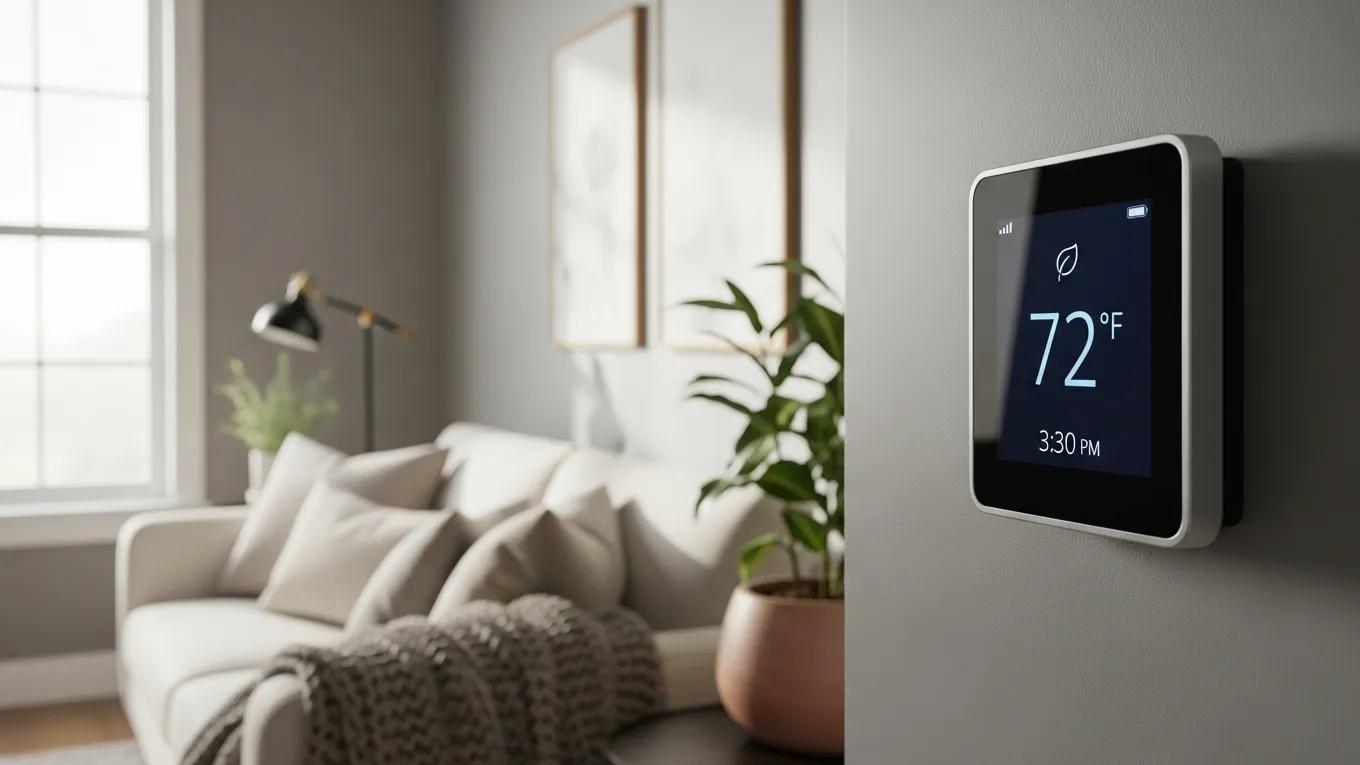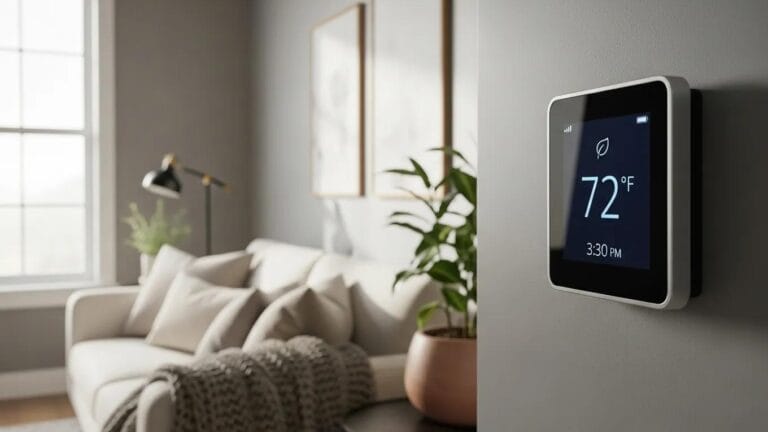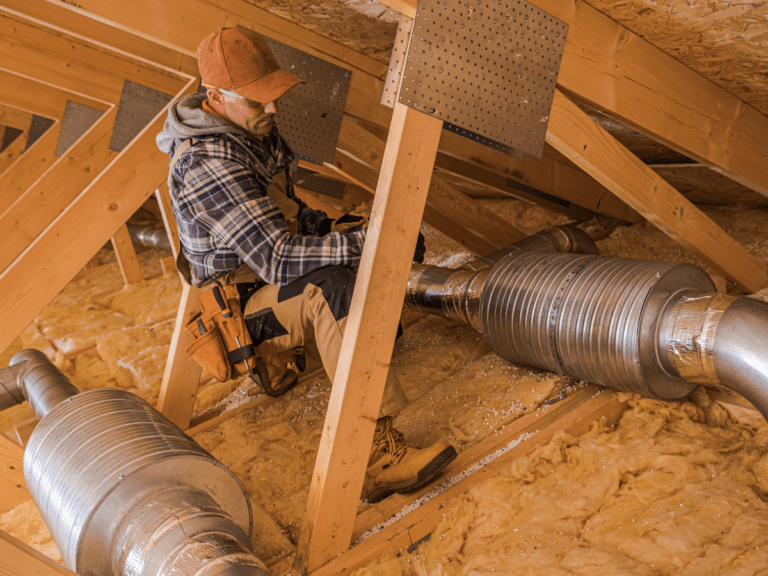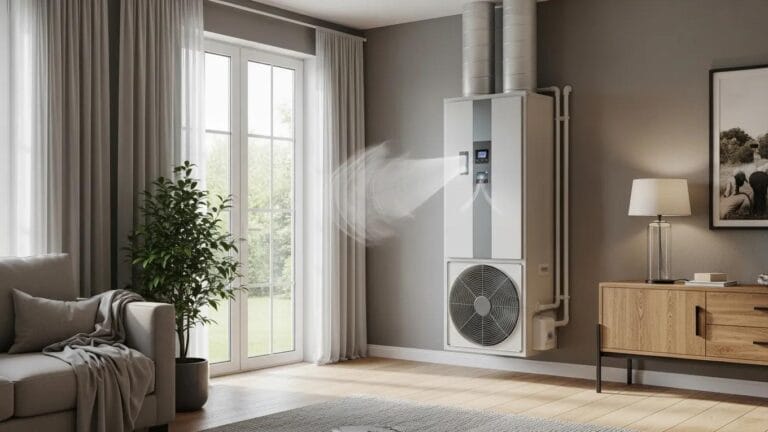




A smart thermostat can do far more than adjust the temperature with a tap on your phone. When programmed correctly, it learns your routine, reduces unnecessary energy use, and helps maintain a comfortable home without constant manual adjustments.
Yet many homeowners never take full advantage of the features built into their device.
This smart thermostat programming guide explains how to optimize schedules, temperature settings, and automation features to improve energy efficiency throughout the year.
Whether you’re home, away, asleep, or on vacation, the right programming can reduce utility costs while keeping your living spaces consistently comfortable.
By understanding how to use your smart thermostat effectively, you can maximize HVAC performance, lower energy consumption, and get the most value from your home’s heating and cooling system.
How to Get the Most From Your Smart Thermostat
What Is a Smart Thermostat and How Does It Improve HVAC Efficiency?
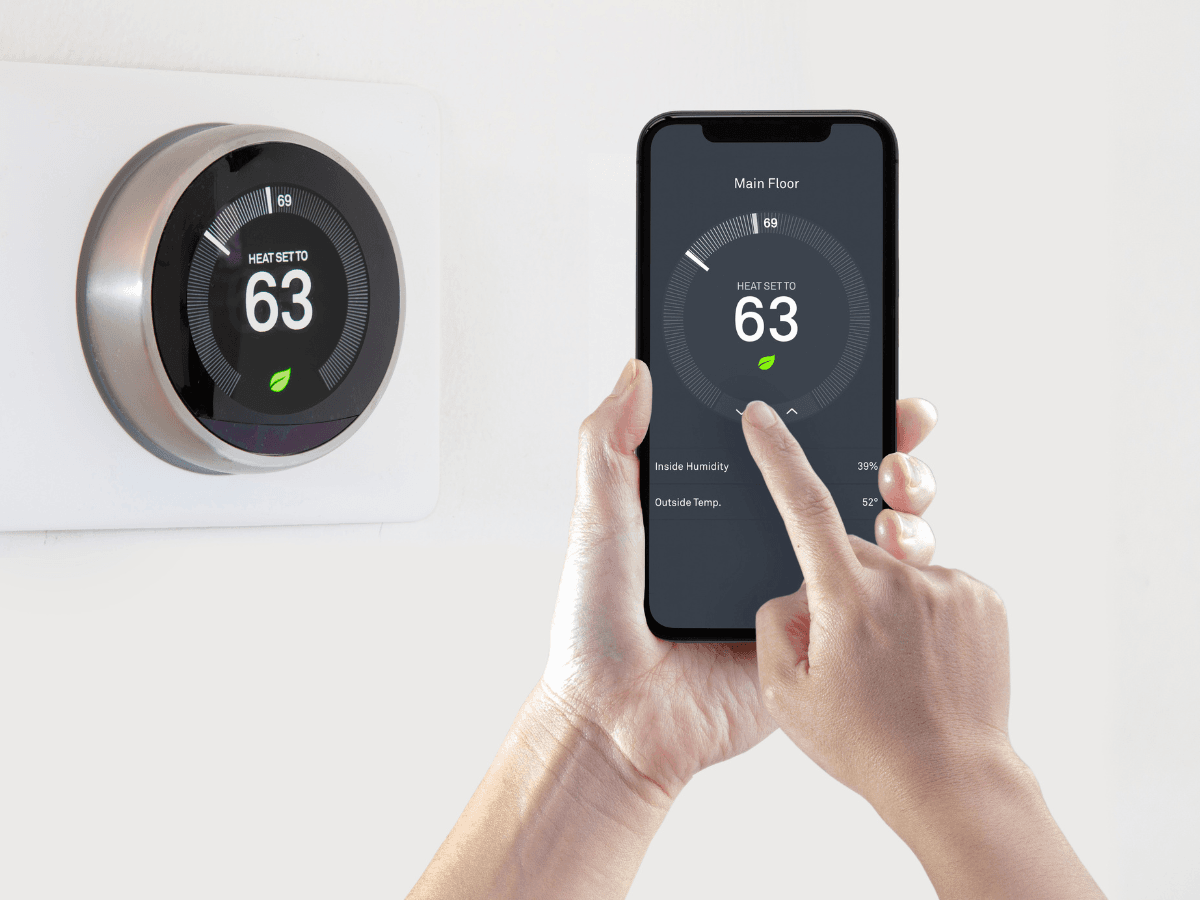
A smart thermostat does much more than let you adjust the temperature from your phone. Unlike traditional programmable thermostats, it continuously monitors your home’s conditions, learns your daily routines, and makes automatic adjustments to keep you comfortable while reducing unnecessary energy use.
Whether you’re at work, on vacation, or simply asleep, a smart thermostat helps your HVAC system operate only when needed. Over time, these small adjustments can improve system efficiency, reduce wear on your equipment, and help lower monthly heating and cooling costs.
How Does a Smart Thermostat Save Energy?
One of the biggest advantages of a smart thermostat is its ability to eliminate wasted heating and cooling. Instead of running your HVAC system on a fixed schedule, it responds to how you actually live.
Many models can:
- Learn your daily routines and automatically create a heating and cooling schedule.
- Detect when the home is empty using occupancy sensors or smartphone location services.
- Adjust temperatures based on outdoor weather conditions.
- Provide energy reports that highlight opportunities to reduce consumption.
- Send maintenance reminders, such as alerts to replace dirty air filters.
These features work together to avoid unnecessary HVAC runtime without sacrificing comfort.
Key Features to Look For in a Smart Thermostat
Not every smart thermostat offers the same capabilities, so it’s worth comparing features before purchasing one.
Learning schedules
Some thermostats automatically build a schedule based on your habits, eliminating the need to manually program temperature settings.
Remote access
Wi-Fi connectivity allows you to adjust temperatures from anywhere using a smartphone or tablet. This is especially useful if your plans change unexpectedly or you forget to adjust the thermostat before leaving home.
Energy monitoring
Many smart thermostats provide monthly energy reports showing when your system runs most often and suggesting ways to improve efficiency.
Smart home integration
Popular models can integrate with voice assistants and smart home platforms, allowing you to adjust temperatures using voice commands or automate your home’s climate alongside lighting, security, and other connected devices.
How Smart Thermostats Work With Your HVAC System
A smart thermostat communicates directly with your HVAC equipment to maintain more consistent indoor temperatures. Rather than waiting for large temperature swings before activating the system, many models make smaller, more efficient adjustments throughout the day.
Depending on compatibility, a smart thermostat can work with:
- Central heating and air conditioning systems
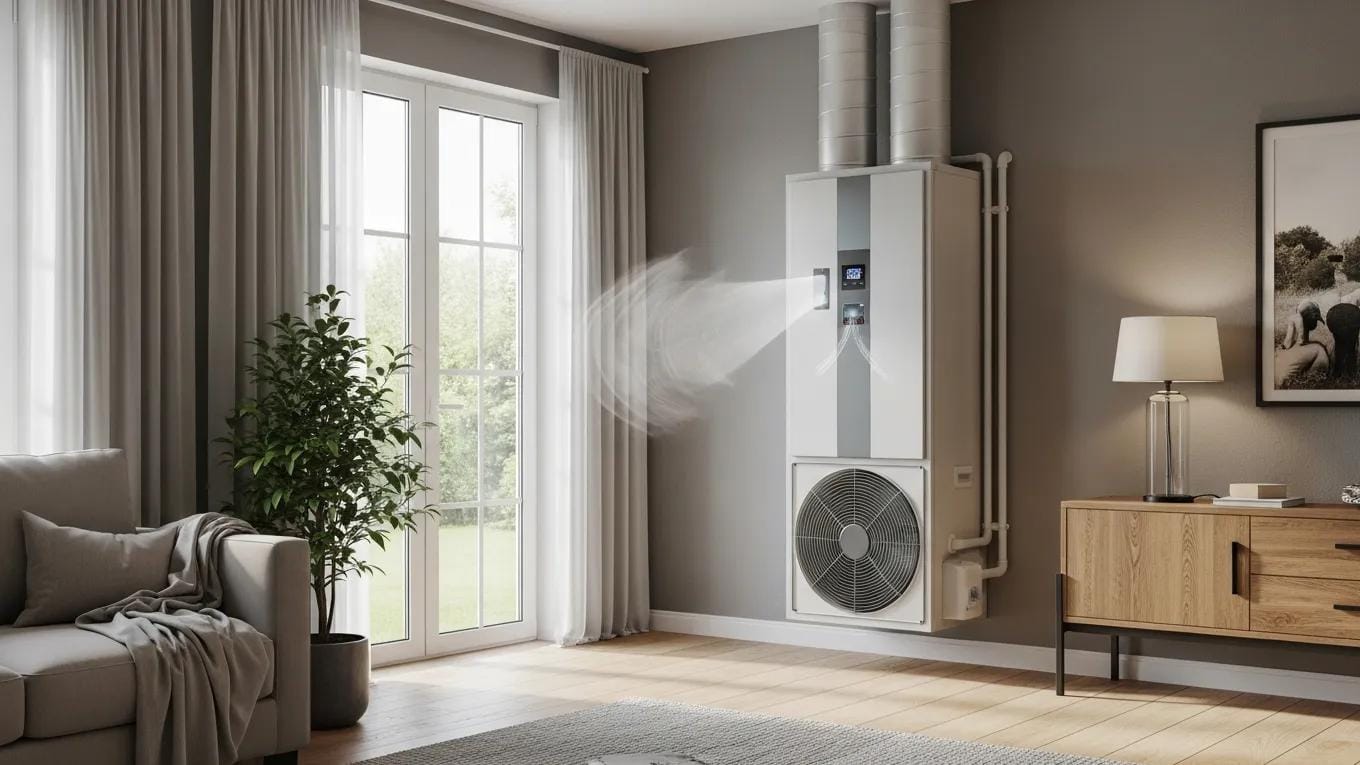
- Heat pumps
- Dual-fuel HVAC systems
- Multi-stage heating and cooling equipment
- Zoned HVAC systems
Some advanced models also monitor indoor humidity, outdoor weather conditions, and system performance to fine-tune heating and cooling cycles. The result is a more comfortable home with fewer temperature fluctuations.
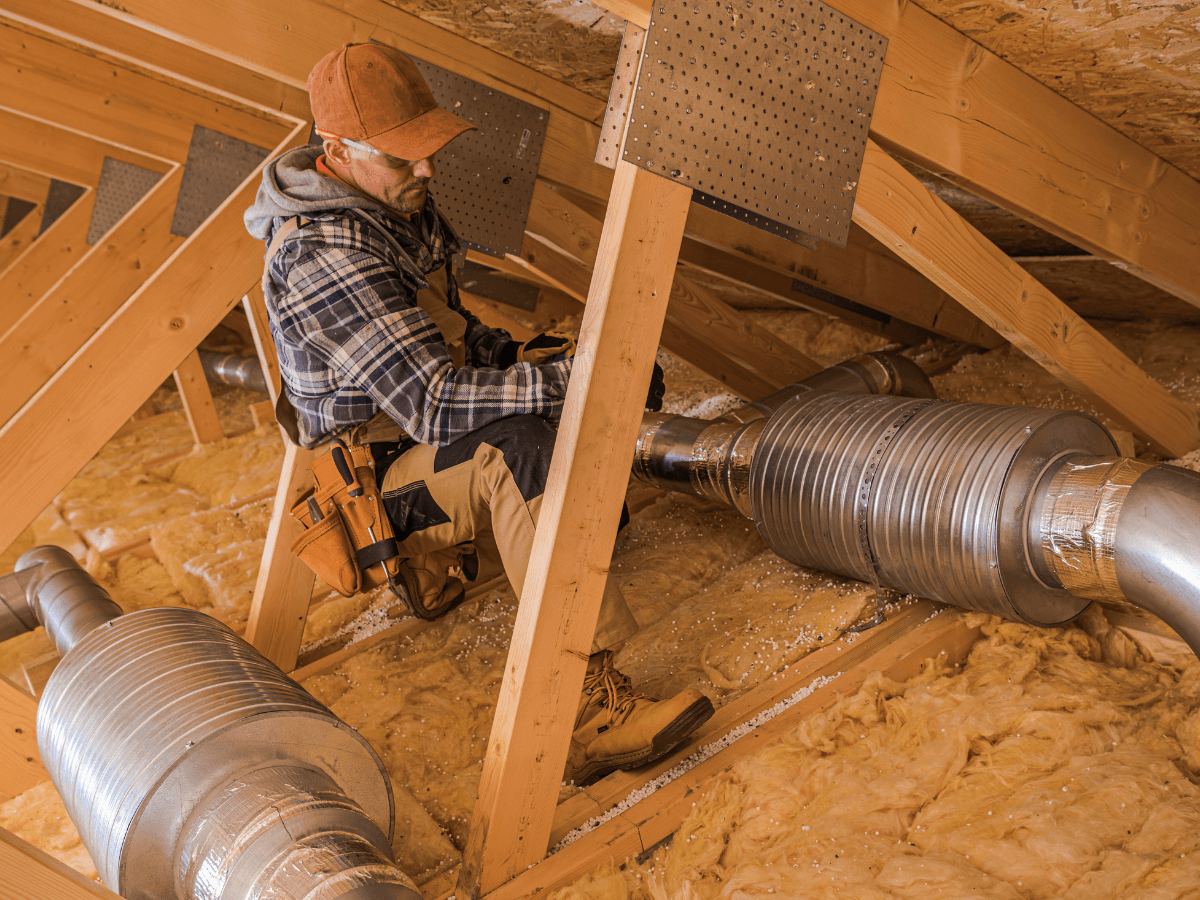
Before purchasing, it’s important to verify that your existing HVAC system supports the thermostat you’re considering. Older systems may require additional wiring or a C-wire adapter for installation.
Is Upgrading to a Smart Thermostat Worth It?
For many homeowners, the answer is yes. While the initial investment is higher than a standard programmable thermostat, the long-term benefits often outweigh the upfront cost.
A smart thermostat can help:
- Reduce unnecessary energy use
- Improve year-round comfort
- Lower heating and cooling costs
- Extend the life of your HVAC equipment by minimizing excessive runtime
- Give you greater control over your home’s temperature from anywhere
If your current thermostat requires frequent manual adjustments or your HVAC system runs even when no one is home, upgrading can make a noticeable difference.
Choosing the right smart thermostat is one of the simplest ways to improve HVAC efficiency without replacing your heating and cooling equipment.
Combined with regular maintenance, proper insulation, and seasonal HVAC tune-ups, it helps create a more energy-efficient home while keeping indoor temperatures comfortable throughout the year.
Program Your Smart Thermostat Around Your Routine, Not the Clock
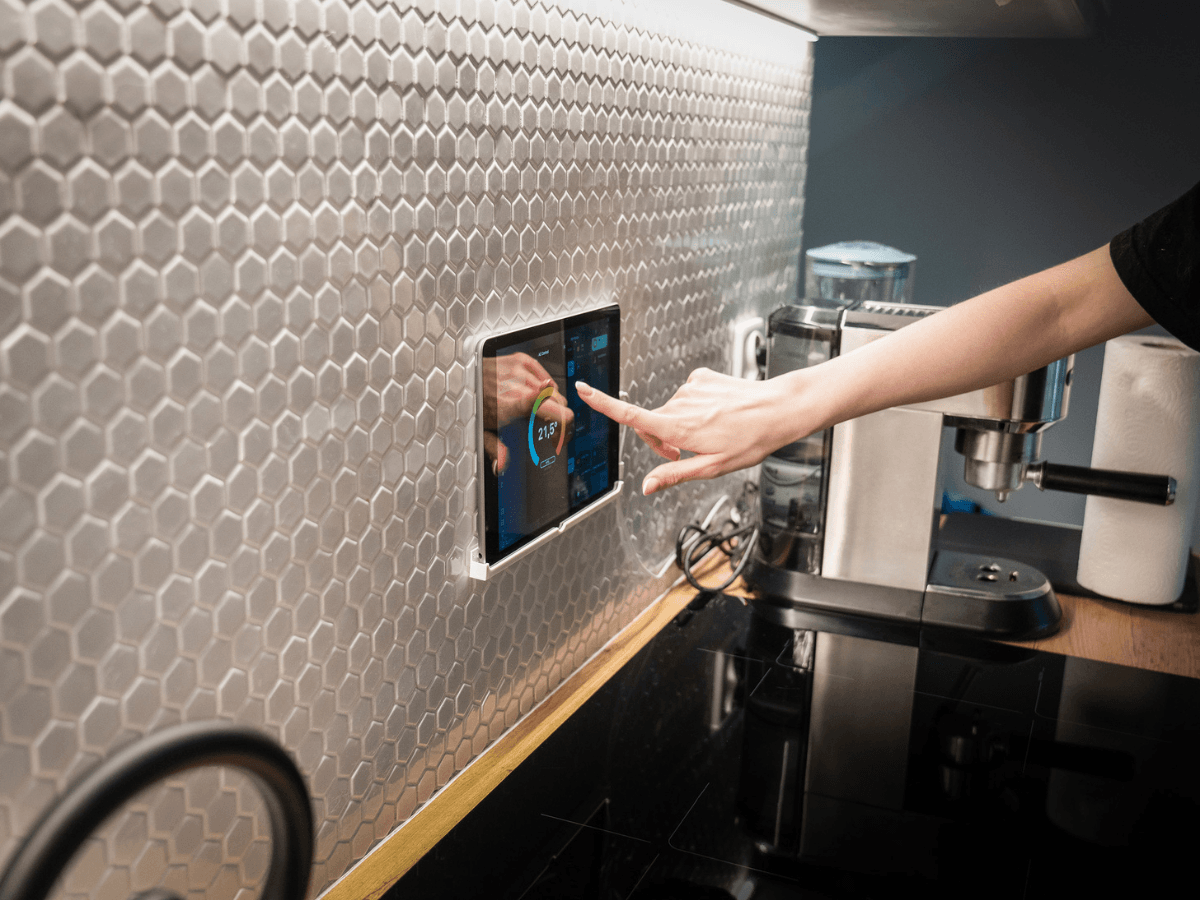
One of the biggest mistakes homeowners make is assuming that simply installing a smart thermostat will automatically deliver the lowest possible energy bills. While these devices are designed to optimize heating and cooling, the biggest savings come from programming them to match how your household actually lives.
Instead of trying to maintain the same temperature all day, think about when comfort matters most. If everyone leaves for work and school during the day, there’s little reason to keep the home at the same temperature as when it’s occupied. Likewise, overnight temperatures can often be adjusted slightly without affecting comfort.
A smart thermostat makes these changes automatically, reducing unnecessary HVAC runtime while keeping your home comfortable when you need it most.
Build a Schedule That Matches Your Lifestyle
Every household is different, so the best schedule depends on your daily routine rather than a universal temperature setting.
| Your Routine | Smart Thermostat Strategy |
|---|---|
| Traditional 9-to-5 work schedule | Reduce heating or cooling while the home is empty and restore comfort before everyone returns. |
| Work-from-home household | Keep temperatures consistent during working hours, then adjust them overnight for additional savings. |
| Frequent travel | Use Away Mode or geofencing so the system automatically adjusts when the house is vacant. |
| Busy, unpredictable schedule | Enable learning features that adapt over time instead of relying on a fixed program. |
The more closely your schedule reflects your real routine, the more efficiently your HVAC system can operate.
Features Worth Turning On Immediately
Many homeowners only use the basic scheduling function and overlook features that can improve both convenience and efficiency.
Learning schedules allow the thermostat to recognize patterns and gradually automate temperature adjustments with minimal input.
Geofencing uses your phone’s location to determine when the home is empty and switches to an energy-saving mode automatically. When you’re on your way back, the system begins conditioning the house before you arrive.
Maintenance reminders notify you when it’s time to replace an air filter or when the system appears to be running longer than expected, helping you address small issues before they affect performance.
Energy reports provide monthly summaries that show when your HVAC system uses the most energy, making it easier to identify opportunities to reduce consumption.
Small Habits That Can Make a Big Difference
Even the most advanced smart thermostat works best when paired with good habits.
Instead of making dramatic temperature changes throughout the day, let the programmed schedule do the work. Constantly overriding automatic settings prevents the thermostat from learning your preferences and often leads to higher energy use.
It’s also worth reviewing your schedule at the start of each season. Summer vacations, school schedules, daylight saving time, and holiday travel can all affect when your home actually needs heating or cooling.
Before You Call Setup Complete
Before moving on, take a few minutes to make sure you’ve enabled the features that provide the greatest long-term value.
- Connect the thermostat to your home’s Wi-Fi network.
- Download and explore the mobile app.
- Verify your heating and cooling schedule matches your current routine.
- Turn on learning mode or geofencing if your model supports it.
- Enable maintenance and filter replacement reminders.
- Check for available firmware updates to ensure you have the latest features and performance improvements.
A properly configured smart thermostat should require very little attention after the initial setup. As it learns your schedule and adapts to seasonal changes, it helps your HVAC system operate more efficiently without requiring constant adjustments.
The result is a home that’s consistently comfortable, lower energy consumption, and a heating and cooling system that isn’t working harder than it needs to.
Smart Thermostat Settings That Can Make the Biggest Difference on Your Energy Bill
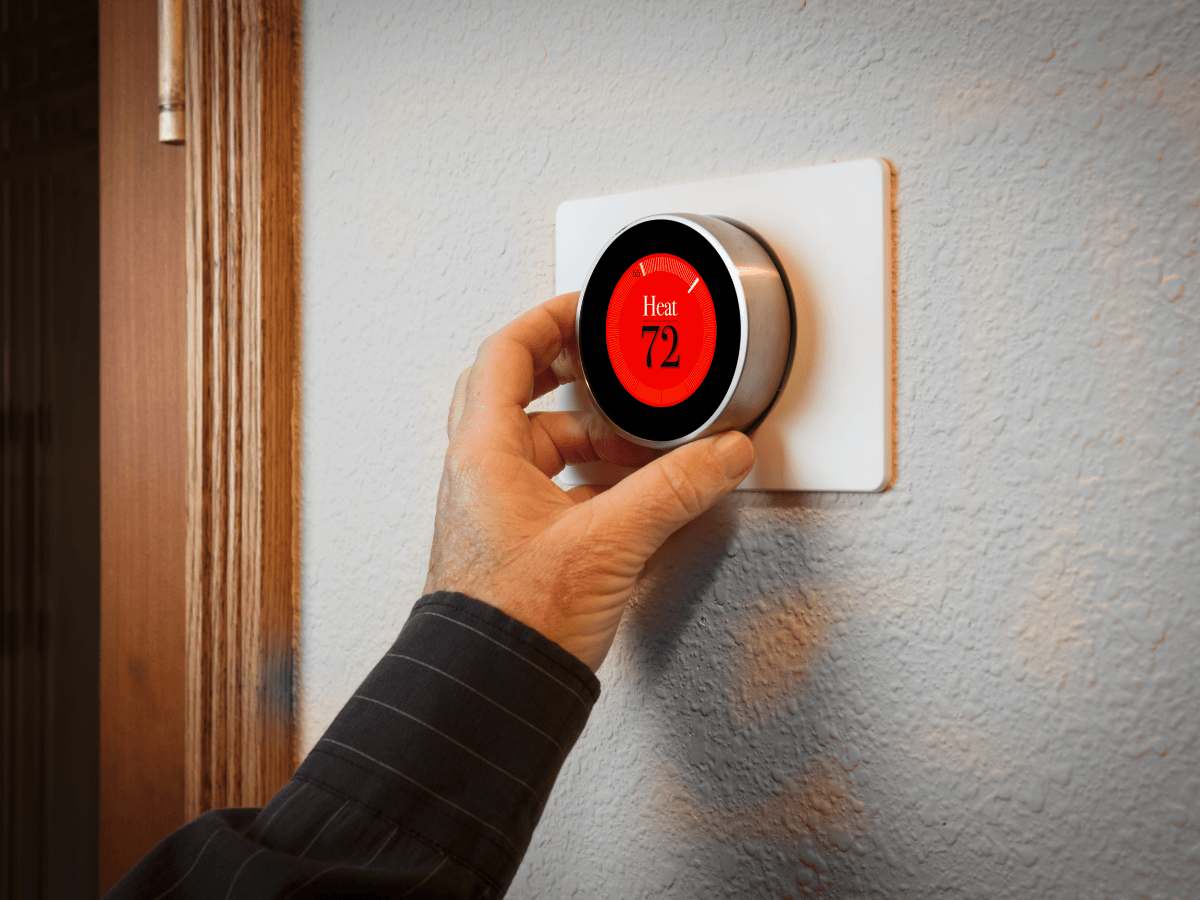
Owning a smart thermostat is only part of the equation. The settings you choose every day have the greatest impact on your home’s energy consumption.
Fortunately, reducing heating and cooling costs doesn’t usually require sacrificing comfort. Small, strategic adjustments often deliver better results than dramatic temperature changes.
The goal isn’t to keep your HVAC system running less at all costs. It’s to avoid conditioning your home when no one benefits from it. By combining scheduling, eco features, and zoning, a smart thermostat can help maintain comfortable temperatures while reducing unnecessary runtime.
Which Smart Thermostat Features Save the Most Energy?
Not every feature contributes equally to energy savings. If your primary goal is lowering utility bills, prioritize these settings first.
| Feature | How It Helps |
|---|---|
| Scheduled temperatures | Automatically adjusts temperatures based on when you’re home, asleep, or away. |
| Eco Mode | Uses more energy-efficient temperature settings when the home is unoccupied. |
| Geofencing | Detects when everyone leaves and adjusts the HVAC system automatically. |
| Temperature zoning | Conditions only occupied areas instead of the entire house. |
| Learning mode | Adapts to your daily habits and fine-tunes heating and cooling over time. |
If your smart thermostat includes all of these features, you likely won’t need to make frequent manual adjustments.
Don’t Chase the Lowest Temperature
One of the most common misconceptions is that setting the thermostat much lower on a hot day cools the house faster.
It doesn’t. Your air conditioner cools at a relatively consistent rate regardless of the temperature you select. Setting the thermostat to an extremely low temperature simply keeps the system running longer than necessary, increasing energy use without speeding up the cooling process.
Instead, choose a comfortable temperature and let the system reach it gradually.
Use Different Settings for Different Situations
Your thermostat shouldn’t operate the same way every day. The most efficient settings depend on how the house is being used.
During work or school hours
Raise the cooling temperature slightly in summer or lower the heating temperature in winter while the home is empty.
Overnight
Many people sleep comfortably with slightly different temperatures than they prefer during the day. Taking advantage of those hours can reduce HVAC runtime without affecting comfort.
Vacation mode
If you’ll be away for several days, activate Vacation Mode rather than turning the HVAC system off completely. This protects your home from extreme temperatures while using far less energy than maintaining normal comfort settings.
Is Temperature Zoning Worth It?
If your home has multiple floors or rooms that aren’t used regularly, zoning can significantly improve efficiency.
Instead of conditioning the entire house equally, zoned HVAC systems allow different areas to operate independently. For example, guest bedrooms, finished basements, or upstairs living spaces can remain at more energy-efficient temperatures until they’re needed.
This approach reduces unnecessary HVAC runtime while improving comfort in the rooms you use most.
Review Your Settings With the Seasons
The best smart thermostat schedule in July probably won’t be the best one in January.
As outdoor temperatures change, revisit your programmed schedule to make sure it still reflects your family’s routine. School schedules, holidays, vacations, and daylight saving time often change occupancy patterns more than homeowners realize.
A quick seasonal review helps your smart thermostat continue operating efficiently throughout the year.
Quick Energy-Saving Checklist
If you’re unsure whether you’re getting the most from your thermostat, start here:
- Enable Eco Mode whenever the house is empty.
- Use automatic scheduling instead of adjusting the temperature manually every day.
- Turn on geofencing if your thermostat supports it.
- Review your schedule every season.
- Use zoning features to avoid heating or cooling unused rooms.
- Allow your smart thermostat to learn your routine instead of overriding it constantly.
The most effective energy savings come from consistency, not constant adjustments.
Once your smart thermostat is programmed around your lifestyle, it can make thousands of small decisions throughout the year that improve comfort, reduce energy waste, and help lower your monthly utility bills with very little effort on your part.
Is Your HVAC System Compatible With a Smart Thermostat?
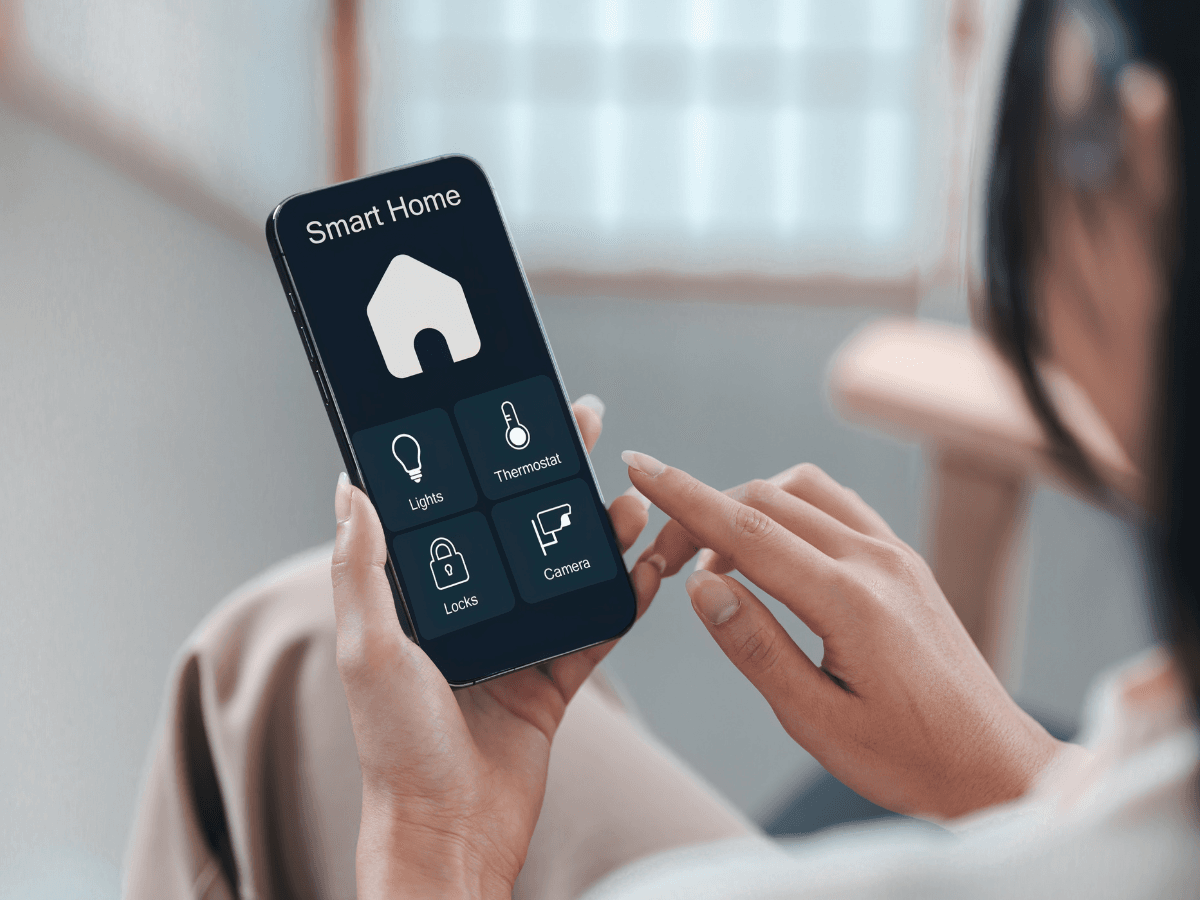
Before purchasing a smart thermostat, it’s important to make sure your HVAC system can support it. While most modern heating and cooling systems are compatible, some older or more specialized equipment may require additional wiring, accessories, or professional installation.
Compatibility affects more than whether the thermostat turns your system on and off. It also determines which advanced features you’ll be able to use, such as multi-stage heating, humidity control, learning schedules, and zoning.
Taking a few minutes to verify compatibility before you buy can save time, money, and frustration during installation.
Which HVAC Systems Work Best With a Smart Thermostat?
Most smart thermostats are designed to work with today’s common residential HVAC systems.
| HVAC System | Typical Compatibility | Notes |
|---|---|---|
| Central air conditioning and furnace | Excellent | Supported by nearly all major smart thermostat brands. |
| Heat pumps | Excellent | Many models include dedicated heat pump controls. |
| Multi-stage heating and cooling | Good | Check that the thermostat supports the same number of stages. |
| Zoned HVAC systems | Good | May require compatible zone control panels. |
| Older HVAC systems | Varies | Some may need a C-wire adapter or professional installation. |
| Electric baseboard or line-voltage systems | Limited | Only certain smart thermostats are designed for these systems. |
If you’re unsure what type of HVAC equipment you have, check the model information on your indoor unit or ask an HVAC professional before purchasing.
Why Compatibility Matters
A thermostat that’s only partially compatible may still control basic heating and cooling, but you could lose access to features that improve comfort and efficiency.
For example, if your HVAC system supports multiple heating or cooling stages but your thermostat does not, the equipment won’t operate at its full potential. Likewise, an incompatible thermostat may struggle to communicate with variable-speed systems, reducing efficiency and comfort.
Choosing a smart thermostat that’s designed for your specific HVAC setup allows both pieces of equipment to work together as intended.
Your Thermostat Is Only as Efficient as Your HVAC System
Even the most advanced smart thermostat can’t compensate for an HVAC system that’s overdue for maintenance.
Imagine programming the perfect schedule, only to have a clogged air filter restrict airflow or dirty evaporator coils force your air conditioner to run longer than necessary. The thermostat can request the right temperature, but the HVAC system still has to deliver it efficiently.
To get the most from your smart thermostat, keep up with routine maintenance, including:
- Replacing air filters every one to three months, depending on use.
- Keeping outdoor condenser units free of leaves, dirt, and debris.
- Scheduling annual heating and cooling tune-ups.
- Checking that supply and return vents remain open and unobstructed.
- Addressing unusual noises, weak airflow, or inconsistent temperatures before they become larger problems.
A well-maintained system responds more accurately to thermostat commands and often reaches the desired temperature faster.
Signs Your HVAC System May Need Attention
If your smart thermostat seems to be working correctly but your home still feels uncomfortable, the issue may lie with the HVAC equipment rather than the thermostat itself.
Watch for signs such as:
- Rooms that never reach the programmed temperature.
- Heating or cooling cycles that seem unusually long.
- Large temperature differences between rooms.
- Unexpected increases in energy bills.
- Frequent system cycling throughout the day.
These issues often point to maintenance needs, airflow restrictions, or equipment problems that should be evaluated by an HVAC technician.
Pair Smart Technology With Preventive Maintenance
A smart thermostat performs best when it’s part of an efficient heating and cooling system, not a substitute for one. Before upgrading your thermostat, it’s worth confirming that your HVAC equipment is compatible and operating properly.
When a smart thermostat is paired with a well-maintained HVAC system, you benefit from more consistent indoor temperatures, improved energy efficiency, and better long-term system performance.
Instead of working harder to compensate for underlying issues, your heating and cooling equipment can respond precisely to your programmed settings, helping you stay comfortable while using less energy throughout the year.
Troubleshooting Common Smart Thermostat Problems
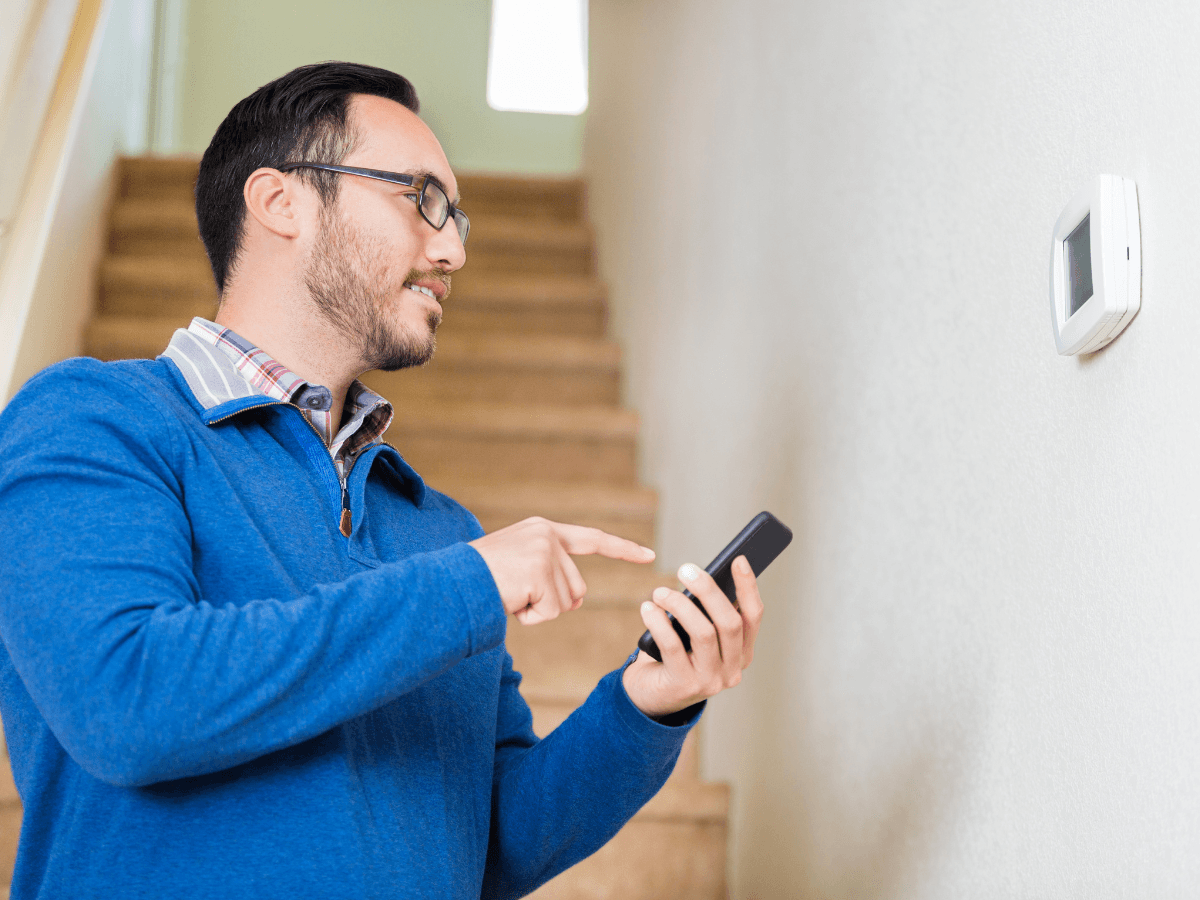
A smart thermostat is designed to make home comfort easier, but like any connected device, it can occasionally run into problems. The good news is that many issues have simple solutions and can be resolved without replacing the thermostat or calling for service.
If your smart thermostat isn’t behaving as expected, start by determining whether the problem is with the thermostat itself, your Wi-Fi connection, or your HVAC system. A few quick checks can often pinpoint the cause.
Start With the Most Common Issues
When a smart thermostat stops working properly, these are usually the first areas worth checking.
| Problem | Possible Cause | What to Try |
|---|---|---|
| Thermostat won’t connect to Wi-Fi | Weak signal or network interruption | Restart your router, reconnect the thermostat, and verify your Wi-Fi password. |
| Schedule isn’t running | Incorrect programming or manual override | Review your schedule in the app and check whether someone has temporarily overridden it. |
| HVAC system won’t respond | Compatibility, wiring, or equipment issue | Verify the thermostat has power and confirm your HVAC system is operating normally. |
| Incorrect room temperature | Poor thermostat placement or sensor issue | Make sure the thermostat isn’t exposed to direct sunlight, vents, or exterior doors. |
| Mobile app isn’t updating | Connectivity or software issue | Update the app, refresh the connection, or restart the thermostat. |
Many manufacturers also provide built-in diagnostic tools through their apps that can identify connection or system errors.
Before Assuming the Thermostat Is the Problem
It’s easy to blame the thermostat when your home feels too warm or too cold, but the thermostat is often just reporting what the HVAC system is doing.
For example, if you’ve programmed the temperature correctly but your house never reaches the desired setting, the issue could be:
- A dirty air filter restricting airflow.
- Low refrigerant levels in the air conditioning system.
- A malfunctioning furnace or heat pump.
- Closed or blocked supply vents.
- An HVAC system that’s undersized for the home.
In these situations, replacing the thermostat won’t solve the underlying problem.
A Quick Troubleshooting Checklist
- Before scheduling a service appointment, run through these simple checks:
- Confirm the thermostat has power.
- Check that it’s connected to your home’s Wi-Fi network.
- Review your programmed schedule for accidental changes.
- Replace the HVAC air filter if it’s dirty.
- Verify that the HVAC system is set to the correct operating mode (Heat, Cool, or Auto).
- Make sure all supply and return vents are open and unobstructed.
- Restart both the thermostat and the HVAC system if recommended by the manufacturer.
Many minor issues can be resolved in just a few minutes.
When It’s Time to Call an HVAC Professional
Some problems require more than a software reset.
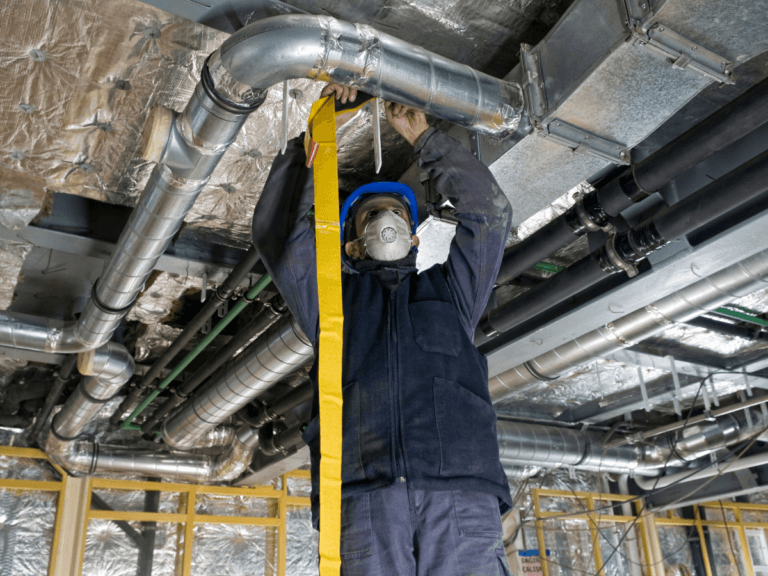
If your smart thermostat repeatedly disconnects, displays wiring errors, or continues calling for heating or cooling without your HVAC system responding correctly, it’s time for a professional inspection.
You should also schedule service if you notice:
- Large temperature differences between rooms.
- HVAC equipment that cycles on and off frequently.
- Unexpected increases in utility bills.
- Strange noises from the heating or cooling system.
- The thermostat displaying temperatures that don’t match the room.
An HVAC technician can determine whether the issue involves the thermostat, the wiring, or the heating and cooling equipment itself.
Keep Your Smart Thermostat Running Reliably
Most smart thermostat problems can be prevented with a little routine maintenance. Keep the thermostat’s software updated, maintain a stable Wi-Fi connection, replace HVAC filters regularly, and schedule annual heating and cooling tune-ups.
A smart thermostat works best when it’s paired with a healthy HVAC system. By addressing small issues early and performing regular maintenance, you’ll enjoy more reliable performance, better comfort, and the energy savings that make a smart thermostat such a worthwhile investment.
Measuring Energy Savings and What’s Next for Smart Thermostat Technology
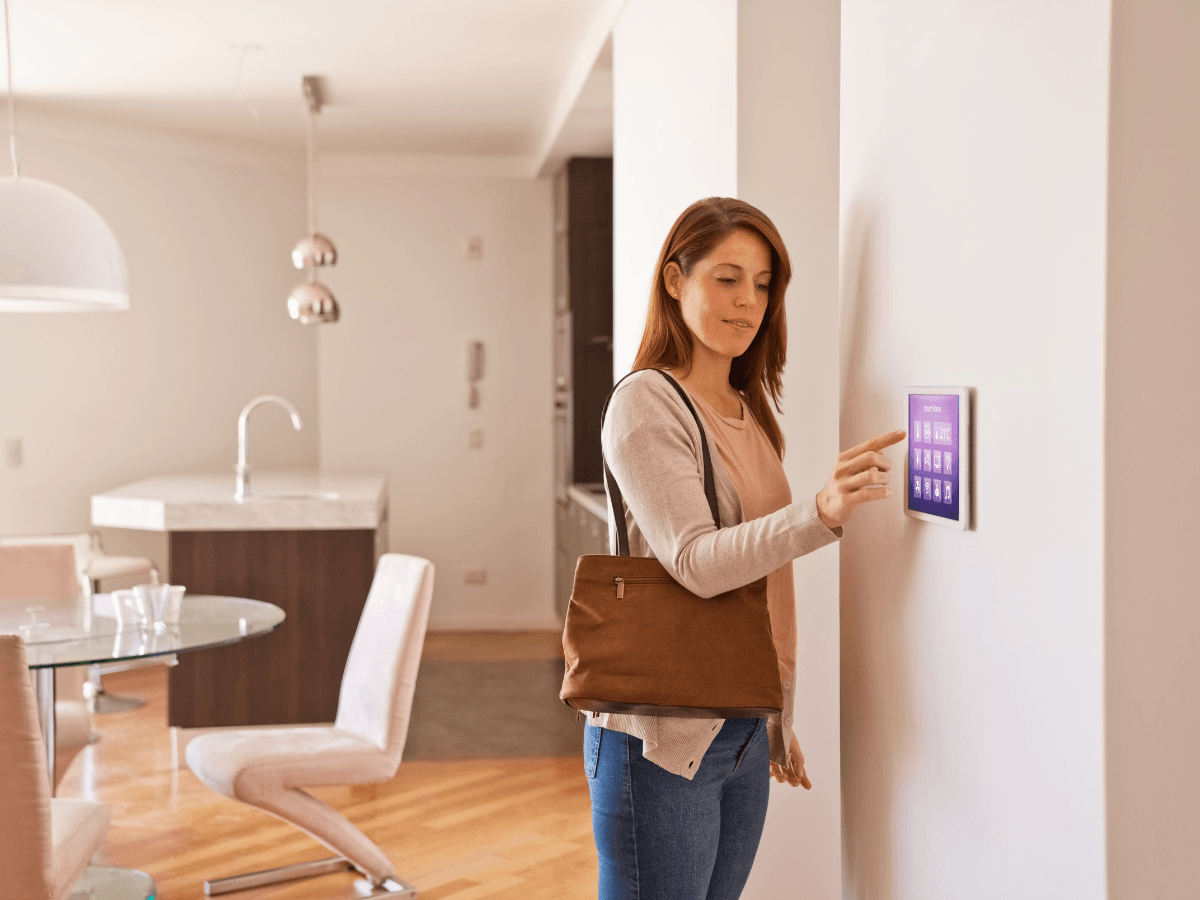
Installing a smart thermostat is only the first step. To get the most value from your investment, it’s important to understand whether your programming choices are actually reducing energy use.
Fortunately, today’s devices make it easier than ever to track performance, identify opportunities for improvement, and adapt as your household routines change.
Just as importantly, smart thermostat technology continues to evolve. New features are making home climate control more personalized, more automated, and increasingly connected with the rest of the smart home.
How to Tell If Your Smart Thermostat Is Saving Energy
Many homeowners expect to see immediate savings on their utility bill, but the best way to evaluate performance is over several months rather than a single billing cycle. Outdoor temperatures, occupancy, and seasonal HVAC demand all influence energy use.
Most smart thermostat apps include built-in reports that help you monitor trends such as:
- Daily, weekly, and monthly heating and cooling runtime.
- Indoor temperature patterns.
- Schedule adherence and manual overrides.
- Estimated energy savings compared to previous periods.
- Recommendations for improving efficiency.
Instead of focusing on one month’s bill, compare similar seasons year over year. This provides a much more accurate picture of how your smart thermostat is affecting overall energy consumption.
Use Your Data to Fine-Tune Performance
The reports generated by a smart thermostat are most valuable when you use them to adjust your settings.
For example, you might notice:
- Your HVAC system runs longer than expected every afternoon.
- Family members frequently override scheduled temperatures.
- Certain days consistently consume more energy than others.
- Vacation mode isn’t being used when the home is empty.
Small adjustments to schedules, temperature setpoints, or comfort preferences can often improve efficiency without sacrificing comfort. Many homeowners find that reviewing their thermostat reports every few months helps them maintain consistent savings as seasons and routines change.
Smart Home Integration Adds Even More Value
Modern smart thermostat systems do much more than control temperature. Many now work alongside other connected devices to automate your home’s energy use.
Depending on the model, your thermostat may integrate with:
| Smart Home Device | How It Improves Efficiency |
|---|---|
| Smart speakers | Adjust temperatures using voice commands. |
| Occupancy sensors | Reduce heating and cooling when rooms are empty. |
| Smart blinds or shades | Coordinate indoor temperatures with natural sunlight. |
| Home automation platforms | Create routines that combine lighting, security, and climate control. |
| Whole-home energy monitors | Provide a broader picture of household energy consumption. |
These integrations allow your HVAC system to respond more intelligently to how your home is actually being used instead of relying solely on a fixed schedule.
Emerging Smart Thermostat Features
Manufacturers continue to improve smart thermostat technology with features designed to increase comfort while reducing energy waste.
Some of the latest innovations include:
- AI-powered scheduling that adapts more quickly to changing routines.
- Enhanced occupancy detection using multiple household devices.
- Indoor air quality monitoring with humidity and ventilation recommendations.
- Predictive maintenance alerts that identify HVAC performance issues before they become costly repairs.
- Expanded compatibility with solar energy systems and demand-response utility programs.
- More detailed energy dashboards that provide personalized efficiency recommendations.
Rather than simply reacting to temperature changes, the newest systems are becoming proactive home energy management tools.
Getting the Most From Your Investment
A smart thermostat delivers the greatest value when it’s treated as an ongoing optimization tool rather than a “set it and forget it” device. Reviewing energy reports, updating schedules as your lifestyle changes, and keeping your HVAC system properly maintained all contribute to better long-term performance.
As smart home technology continues to advance, today’s smart thermostat is becoming the central hub for home comfort and energy efficiency.
Whether you’re tracking monthly savings, integrating connected devices, or taking advantage of new automation features, investing a little time in learning your thermostat’s capabilities can lead to greater comfort, lower utility costs, and a more efficient home year after year.
Where to Find Reliable Smart Thermostat Resources and Ongoing Support
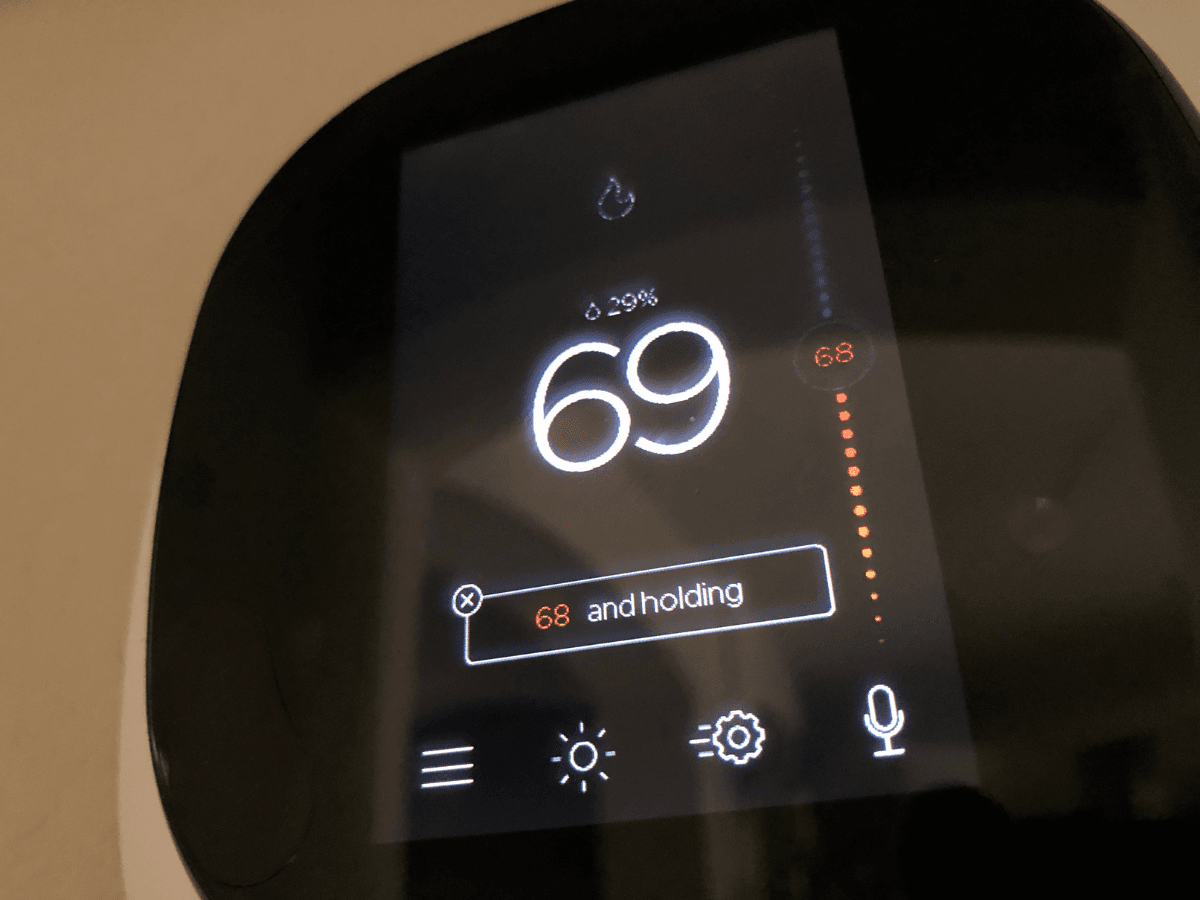
Even the most user-friendly smart thermostat includes features that many homeowners never fully explore.
Whether you’re trying to fine-tune energy-saving schedules, connect your thermostat to a smart home platform, or troubleshoot an unexpected issue, having access to reliable resources can help you get the most from your investment.
Rather than relying on random online advice, start with trusted sources that are specific to your thermostat model and HVAC system.
Start With Your Manufacturer’s Support Resources
The best place to find accurate information is the thermostat manufacturer’s official support center. Most brands maintain extensive online libraries that cover everything from installation to advanced programming.
Look for resources such as:
- Step-by-step setup and installation guides.
- Programming tutorials for weekday and weekend schedules.
- Compatibility checkers for HVAC systems.
- Wi-Fi connection and app troubleshooting instructions.
- Software and firmware update information.
- Frequently asked questions for your specific model.
Because features vary between brands, following model-specific instructions will usually produce better results than generic smart thermostat advice.
Take Advantage of Interactive Learning Tools
Many manufacturers now offer more than written manuals. Interactive resources make it easier to understand features that are difficult to explain in text alone.
Helpful learning tools often include:
| Resource | Best For |
|---|---|
| Video walkthroughs | First-time setup and installation |
| Mobile app tutorials | Learning new features after installation |
| Interactive setup guides | Programming schedules and preferences |
| Community forums | Tips from experienced users with the same model |
| Knowledge bases | Solving error codes and common issues |
If you’ve recently installed a smart thermostat, spending just a few minutes exploring these resources can uncover features like geofencing, occupancy sensing, or energy reports that many owners overlook.
Know When Professional Help Makes Sense
Some issues are better handled by an HVAC technician than through online troubleshooting.
Consider scheduling professional service if:
- Your thermostat repeatedly loses connection despite a stable Wi-Fi network.
- The HVAC system doesn’t respond correctly to thermostat commands.
- Heating and cooling cycles seem unusually long or short.
- The thermostat displays wiring or compatibility errors.
- You’re upgrading an older HVAC system or adding zoning controls.
A qualified technician can confirm that both the thermostat and HVAC equipment are configured correctly, ensuring they work together efficiently.
Keep Your Smart Thermostat Updated
Like smartphones and computers, smart thermostats receive software updates that improve performance, strengthen security, and introduce new features. Enabling automatic firmware updates, when available, helps ensure your device continues operating at its best.
It’s also worth reviewing your schedules a few times each year. Seasonal weather changes, school schedules, vacations, remote work, or household routine changes can all affect how your smart thermostat should be programmed. Making occasional adjustments helps maintain comfort while maximizing energy savings.
Continue Learning as Technology Evolves
Smart thermostat technology continues to advance rapidly, with manufacturers regularly introducing new automation features, expanded smart home integrations, and improved energy management tools.
Staying familiar with your device’s capabilities can help you take advantage of these improvements without replacing your equipment.
Whether you’re a first-time owner or have used a smart thermostat for years, investing a little time in learning your system pays off through lower energy costs, greater comfort, and a more efficient HVAC system.
By combining reliable manufacturer resources with professional HVAC support when needed, you’ll be well equipped to get the best performance from your smart thermostat for years to come.
Conclusion
Learning how to program your smart thermostat is a simple way to improve your home’s comfort while reducing energy consumption throughout the year.
By creating schedules that match your daily routine and taking advantage of energy-saving features, you can help your HVAC system operate more efficiently and potentially lower your monthly utility bills.
Pairing smart thermostat technology with regular HVAC maintenance ensures your system continues to perform at its best in every season.
For trusted heating and cooling services and expert HVAC solutions, choose inAir Heating & Air. If you’re ready to optimize your home’s comfort and energy efficiency, call (770) 233-7777 to speak with the team at inAir Heating & Air or fill out the website form to submit your HVAC request today.